

Go to Home




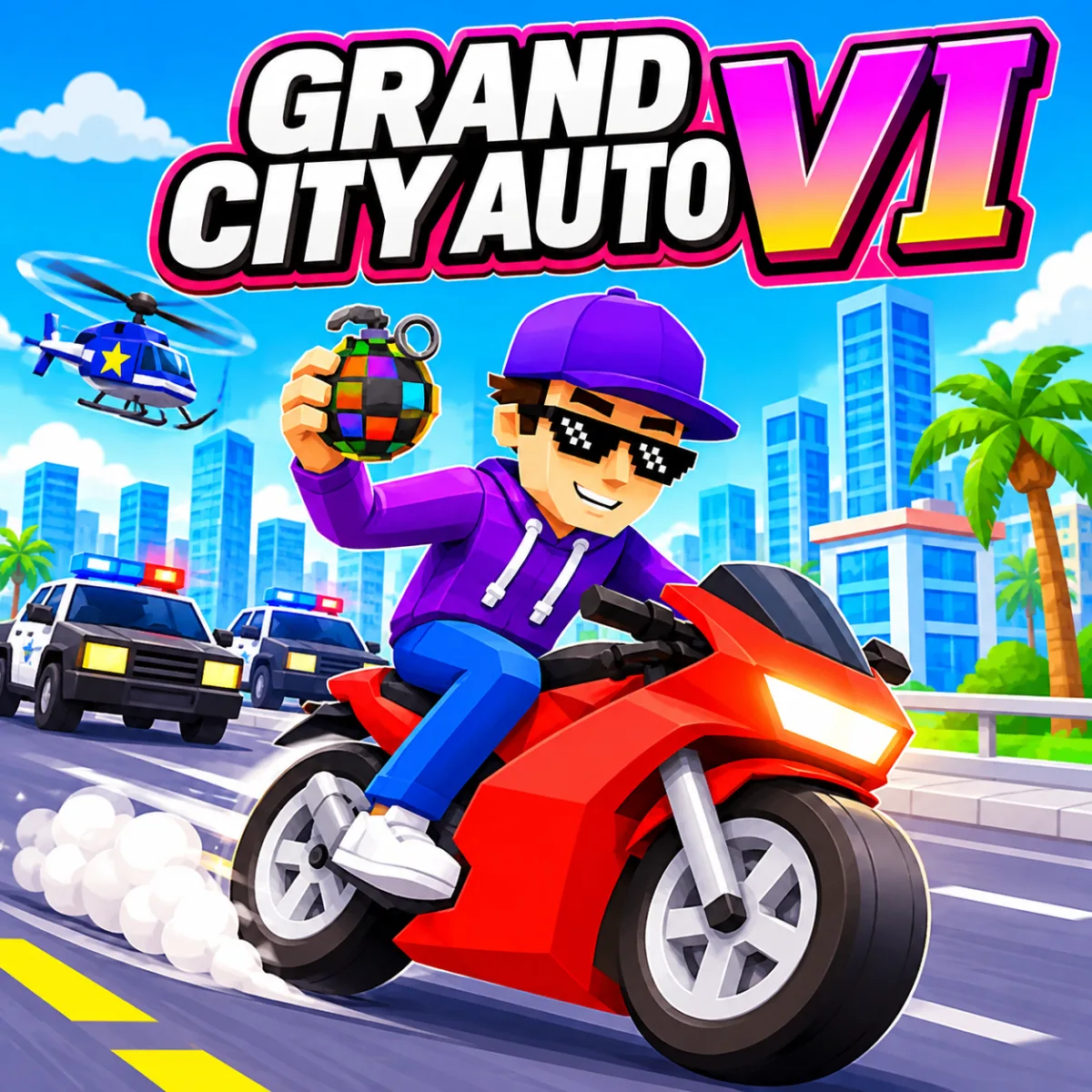
Grand City Auto VI















EXPLORE A VAST CITY AND EMBARK ON AN ACTION-PACKED ADVENTURE
Grand City Auto VI is an exciting 3D open-world adventure game that lets you explore a lively city, drive different vehicles, and experience an engaging storyline. You begin your journey as Leo, who needs to complete a series of missions to rescue his best friend Marco from jail. The adventure features a 12-step main storyline, several connected neighborhoods, and plenty of activities to discover outside the main objectives. Step into Leo’s shoes, explore every corner of the city, and take on thrilling missions to help Marco!
Discover the Main Features
- Explore four connected neighborhoods and additional areas around the city.
- 12-step storyline.
- Unlock Marco and experience the different abilities available to both.
- Leo can slow down time, while Marco can freeze it completely.
- Explore the city using different vehicles, including cars and aircraft.
- Experience changing conditions such as rain, thunderstorms, and sandstorms.
- Discover side quests, minigames, and other activities throughout the city.
RESCUE MARCO AND EXPLORE THE OPEN WORLD
Your main objective in Grand City Auto VI is to complete the 12-step storyline and help Leo rescue Marco from jail. Follow the mission objectives, travel between different locations, and explore the city as you progress through the adventure. After completing the rescue mission, you can also unlock Marco as a playable character. Outside the main storyline, enjoy free-roam exploration, drive around the neighborhoods, discover side activities, and experiment with the characters' unique time abilities.
 RESCUE MARCO AND EXPLORE THE OPEN WORLD
Master the Movement and Vehicle Controls
Character Controls:
- WASD / Arrow Keys: Move your character.
- Spacebar: Jump.
- F: Interact with objects or enter vehicles.
- X: Activate your character's time ability.
- 1 / 2: Switch between unlocked characters.
- Tab: Open the in-game phone.
- M: View the map.
- Esc: Pause the game.
Vehicle Controls:
- W/S: Accelerate or brake.
- A/D: Steer left or right.
- Spacebar: Use the handbrake.
- Left Shift: Activate nitro.
- C: Change the camera view.
- R: Reset your vehicle.
- Shift + E: Exit the vehicle.
Helpful Tips for Exploring Grand City Auto VI
- Follow the main mission objectives to understand the storyline.
- Explore the different neighborhoods to discover additional activities.
- Familiarize yourself with the map before traveling to unfamiliar locations.
- Try different vehicles to experience various ways of exploring the city.
- Learn how the two characters' time abilities work within the game.
- Save your progress regularly using the available save option.
FREQUENTLY ASKED QUESTIONS (FAQ)
What is the main story of Grand City Auto VI?
The game follows Leo as he attempts to rescue his best friend Marco from jail through a 12-step storyline.
What are the special abilities of Leo and Marco?
Leo can slow down time, while Marco can freeze time completely.
Can I explore the city without completing missions?
Yes. The game allows you to explore the open world and enjoy additional activities between story missions.
Can I drive vehicles in Grand City Auto VI?
Yes. You can explore the city using different vehicles, including cars and aircraft.
CONTINUE EXPLORING MORE OPEN-WORLD ADVENTURES
Discover more open-world adventure games: