

Go to Home



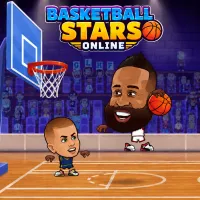
Basketball Stars Online





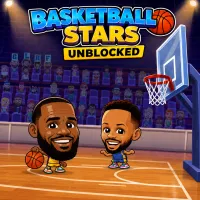
Basketball Stars Online puts instant browser hoops at your fingertips—no download, installation, or account setup required. Enter quick arcade matches, attack the basket, block shots, and compete against the computer or a friend sharing your device. Its short rounds make it an easy choice whenever you want fast basketball action without launching a large sports game.
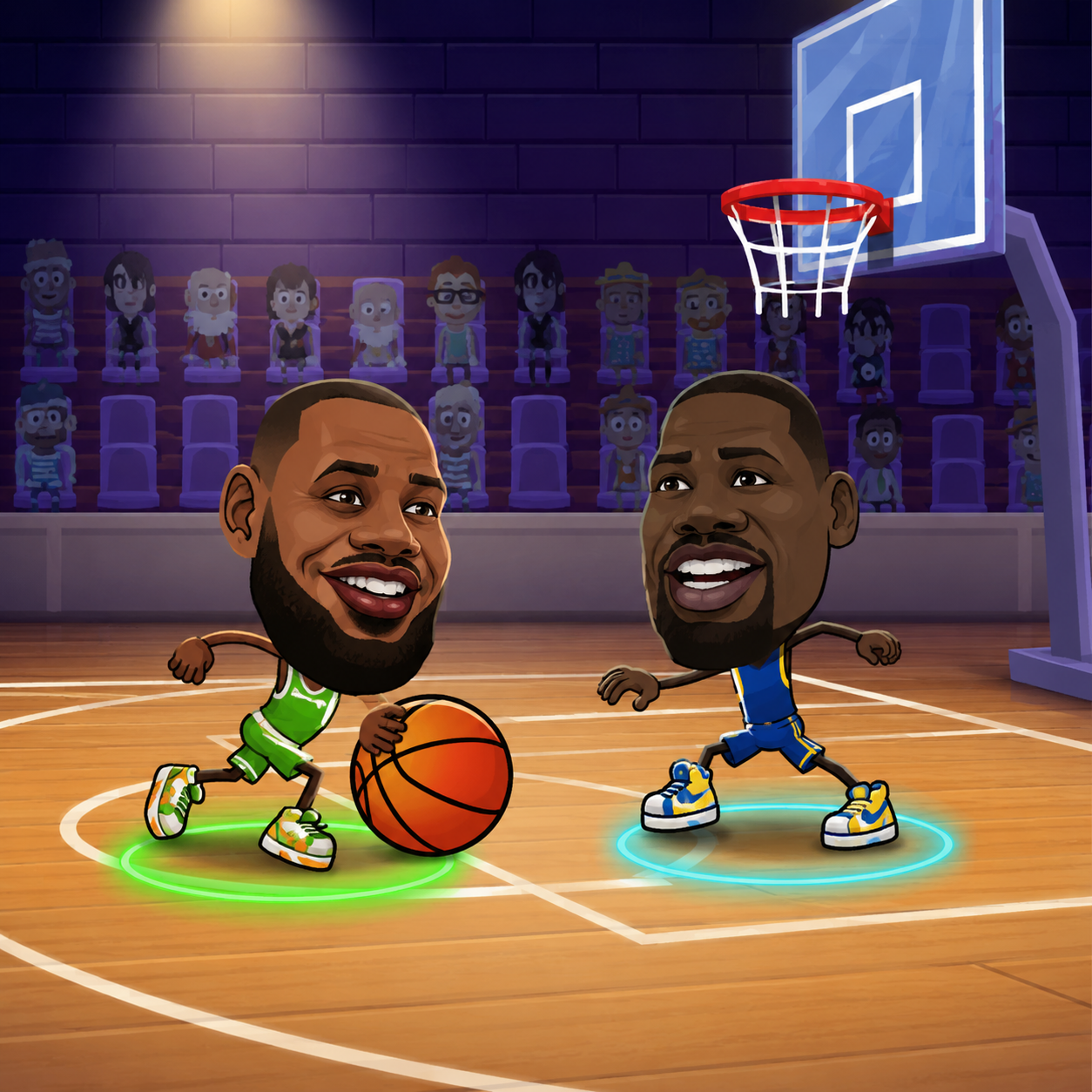 Let's play Basketball Stars Online!
PLAY BASKETBALL STARS ONLINE INSTANTLY
Open the page in a supported browser and the game loads directly inside it. You can play on a PC with keyboard controls or use the responsive interface on a phone or tablet. A stable internet connection helps the game load smoothly, but you do not need to download additional files or manage manual updates.
The simple setup makes it accessible to players searching for free basketball games online. You can move between offense and defense within seconds, while dashes, steals, blocks, special shots, and well-timed jumps give every match a competitive edge.
For a complete introduction to the characters and core mechanics, visit Basketball Stars. If your school or workplace network restricts gaming pages, see Basketball Stars Unblocked.
FREE ONLINE BASKETBALL GAME MODES
Several modes let you choose between a quick session and a longer competitive run:
- 1 Player: Face computer-controlled opponents and practice shooting, blocking, stealing, and positioning.
- 2 Player: Share one keyboard with a friend and play cooperatively or compete on opposite sides.
- Quick Match: Start a short game without working through a bracket. It is ideal for learning unfamiliar characters or playing during a brief break.
- Tournament: Progress through consecutive matchups and try to reach the final. Losing can end the run, so defensive discipline matters as much as scoring.
These options give the game more variety than basketball online games built around a single shooting challenge.
WHY PLAY ONLINE WITH NO DOWNLOAD NEEDED?
Browser play removes the need to install software, check storage space, or wait for a large update. The page can be opened from different supported devices, making it convenient at home or while traveling.
Some hosting platforms can preserve settings or progress through browser storage or an account system. However, saved data may remain tied to that browser, device, or platform. Clearing browser data can remove locally stored progress.
Controls
One Player
- Move: WASD or Arrow Keys
- Shoot / Steal: X or L
- Pump / Block: S
- Dash: Press Left or Right twice
- Super Shot: K or Z
Player 1
- Move: WASD
- Shoot / Steal: B
- Pump / Block: S
- Dash: Press A or D twice
- Super Shot: K
Player 2
- Move: Arrow Keys
- Shoot / Steal: L
- Pump / Block: Down Arrow
- Dash: Press Left or Right twice
- Super Shot: K
TIPS FOR ONLINE MATCHES
- Protect the space beneath the basket. Good positioning makes blocks easier and limits simple scoring chances.
- Do not steal constantly. A missed attempt can leave the lane open, so wait until the ball is within reach.
- Use dashes with purpose. Dash to escape a defender, recover on defense, or close the distance before a block.
- Watch the Super Shot meter. Activate the move at the right moment to regain momentum or extend a narrow lead.
- Change your rhythm. Mixing quick attacks with pump fakes makes your next move harder to predict.
FAQ
Can I play Basketball Stars online for free?
Yes. The browser version is free to play and does not require a purchase before starting a match.
Do I need to install it?
No. The game runs inside a compatible web browser, so no software installation is required.
Can I play on mobile online?
Yes. It supports mobile phones and tablets through responsive on-screen controls. Landscape orientation may provide more space for the court and action buttons.
Is there a 2 player online mode?
There is a two-player mode, but it is local rather than remote online multiplayer. Both players use the same device and separate keyboard controls.