

Go to Home


Basketball Stars Unblocked
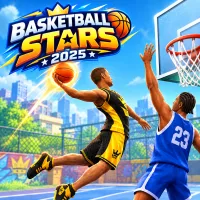

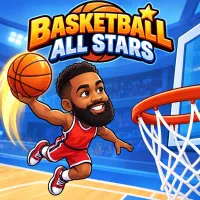
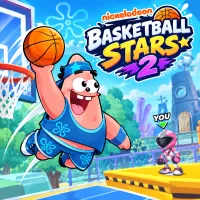
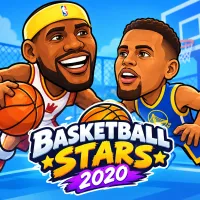

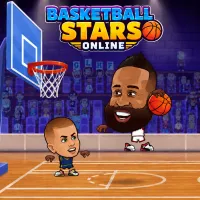
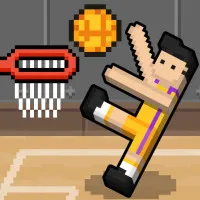
Basketball Stars Unblocked delivers fast arcade hoops through a school or office browser without requiring an app. Choose a solo challenge or share the keyboard with a friend for short matches built around shooting, stealing, blocking, and quick changes of possession.
WHAT IS BASKETBALL STARS UNBLOCKED?
This version is designed for players who want immediate browser access on a Chromebook, desktop computer, or laptop. It runs online without a separate installer, extension, or game client. Once the page loads, you can select a mode and head directly to the court.
Matches are short and action-focused. You must create room for shots, protect the basket, and react quickly whenever possession changes. Pump fakes can draw an early block, while dashes help you break away or recover on defense. A charged supershot also gives you an opportunity to change a close game.
Visit Basketball Stars for the main game page and broader information about the series. Play other basketball games like 2 Player Basketball.
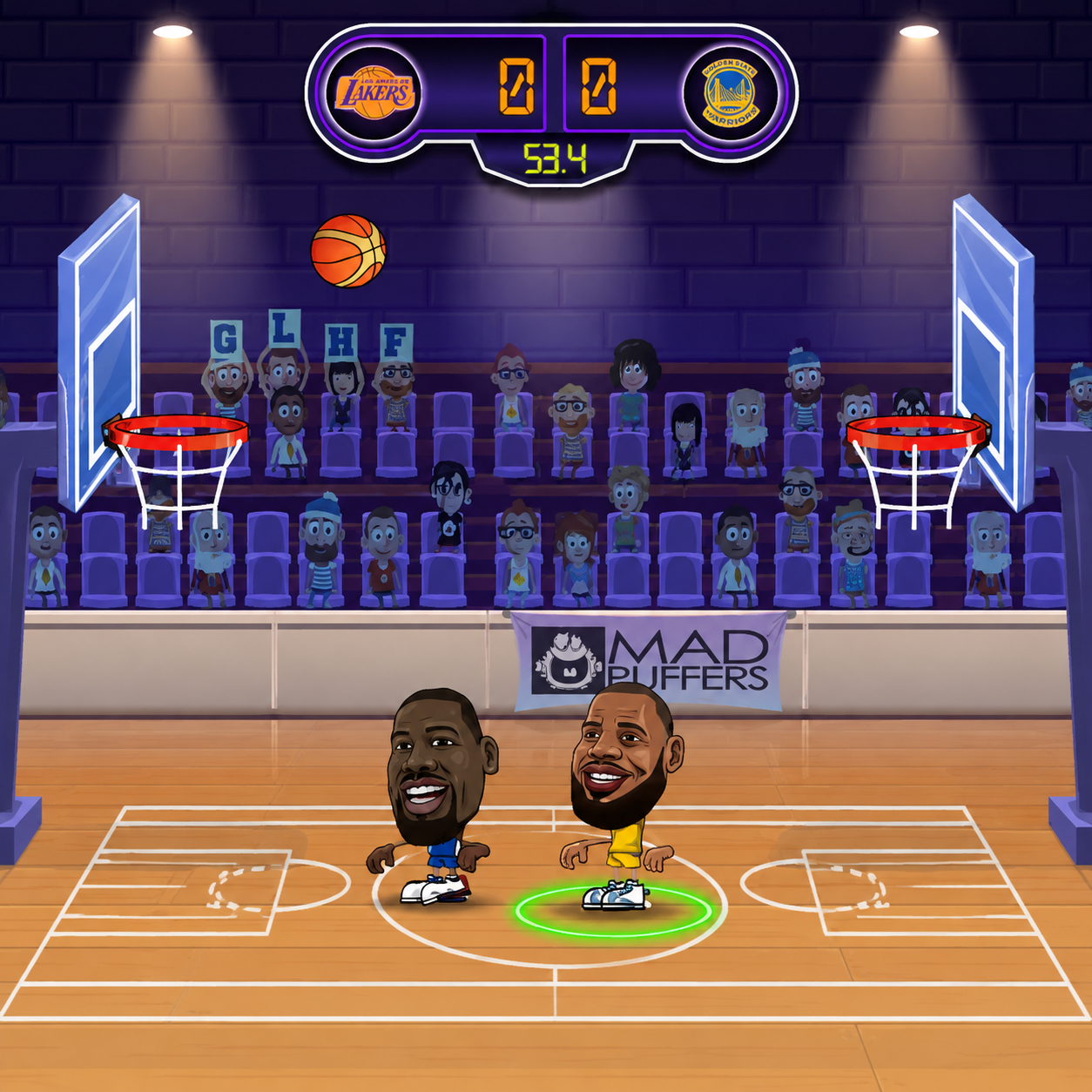
Basketball Stars Unblocked: No Limits
HOW TO PLAY UNBLOCKED AT SCHOOL
Open the page in a current browser and wait for the game menu to appear. Select a single-player or shared-keyboard option, choose the available match settings, and begin playing. No account, VPN, plugin, or download is required.
The page is intended to provide a simple no blocks, no download experience when basketballstars2026.io is permitted by the network. However, access still depends on the rules set by each school or workplace. Do not attempt to bypass local restrictions, and play only when browser games are allowed.
GAME MODES YOU CAN PLAY UNBLOCKED
- 1 Player: Face a computer-controlled rival and practice movement, shot timing, blocks, steals, and supershots.
- 2 Player: Share one keyboard with another player. Compete directly in 1v1, enter a 2v2 match, or work together against computer opponents.
- Quick Match: Start a standalone game without committing to a longer sequence of rounds.
- Tournament: Progress through a bracket of CPU opponents and try to reach the championship match.
Controls
Solo Mode
- Move: Left/Right Arrow
- Jump or shoot: Up Arrow
- Pump fake: Down Arrow
- Block: Down Arrow
- Steal: X
- Dash: Double-tap Left or Right
- Supershot: Z
Player 1
- Move: A/D
- Jump or shoot: W
- Pump fake: S
- Block: S
- Steal: B
- Dash: Double-tap A or D
- Supershot: V
Player 2
- Move: Left/Right Arrow
- Jump or shoot: Up Arrow
- Pump fake: Down Arrow
- Block: Down Arrow
- Steal: L
- Dash: Double-tap Left or Right
- Supershot: K
TIPS TO WIN
- Fake before shooting. A pump fake can make the defender jump early and leave the basket exposed.
- Avoid careless steals. Wait until you are close enough to challenge for the ball without losing your defensive position.
- Use dashes selectively. Save them for open drives, fast breaks, and urgent defensive recoveries.
- Guard the direct route. Stay between your opponent and the basket to reduce easy shots and dunks.
- Track the supershot meter. Use the special move at a useful moment rather than holding it until the match ends.
FAQ
Is Basketball Stars unblocked at school?
Yes. It runs directly in a modern browser without installation when the website is permitted by the school network.
Do I need to download anything?
No. There is no application, game client, or browser extension to install.
Is it free?
Yes. The browser version is available to play for free.
Can I play 2 player unblocked?
Yes. Two people can share one keyboard and play local 1v1 or 2v2 modes.